 FHWA
Trusted by engineers at leading firms








The model is becoming the legal document (MALD). Can everyone on the job use it?
FHWA is funding OpenBrIM to build OmniInfra, so contractors, inspectors and field crews can work from the 3D models design consultants deliver in the open international standard for bridges and highways.
Bridge Design for the AI Era
Year 2026
In your right hand, you're experiencing AI like science fiction movies promised. Voice assistants, autonomous vehicles, generative AI creating art and code.
Then you come to work and design bridges with tools developed in the 1990s?
You don't have to.
-
Parametric Modelling
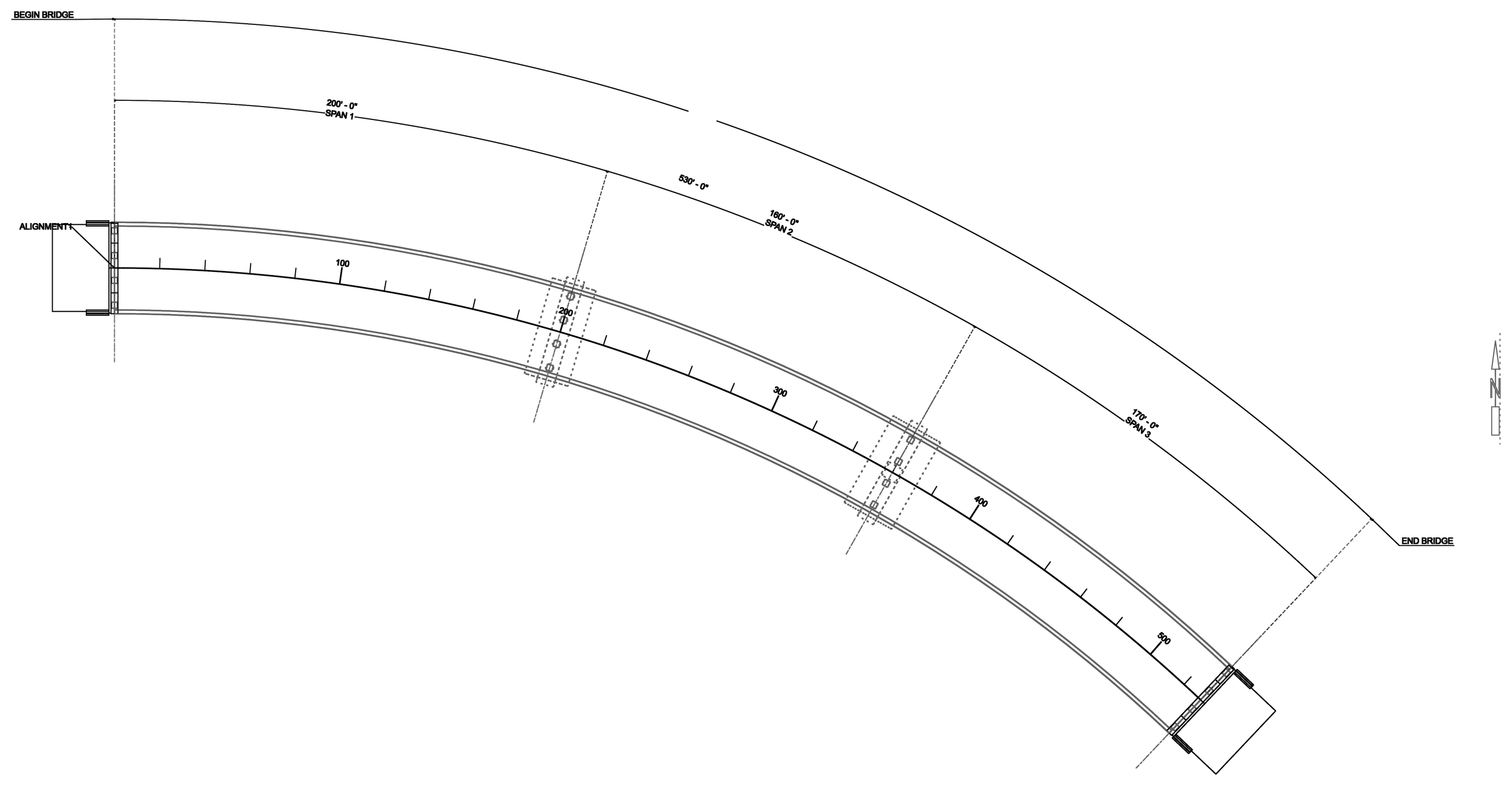
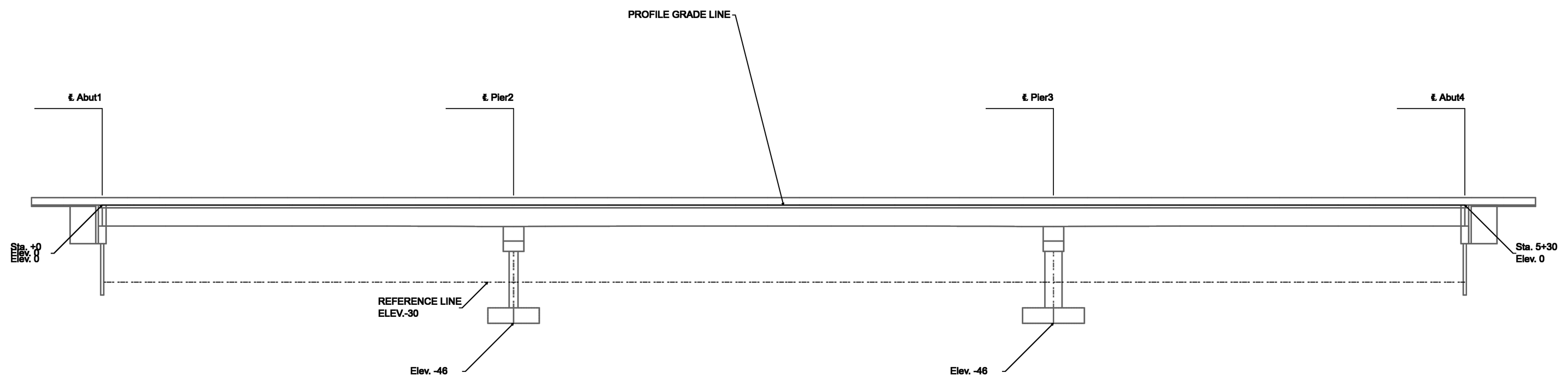
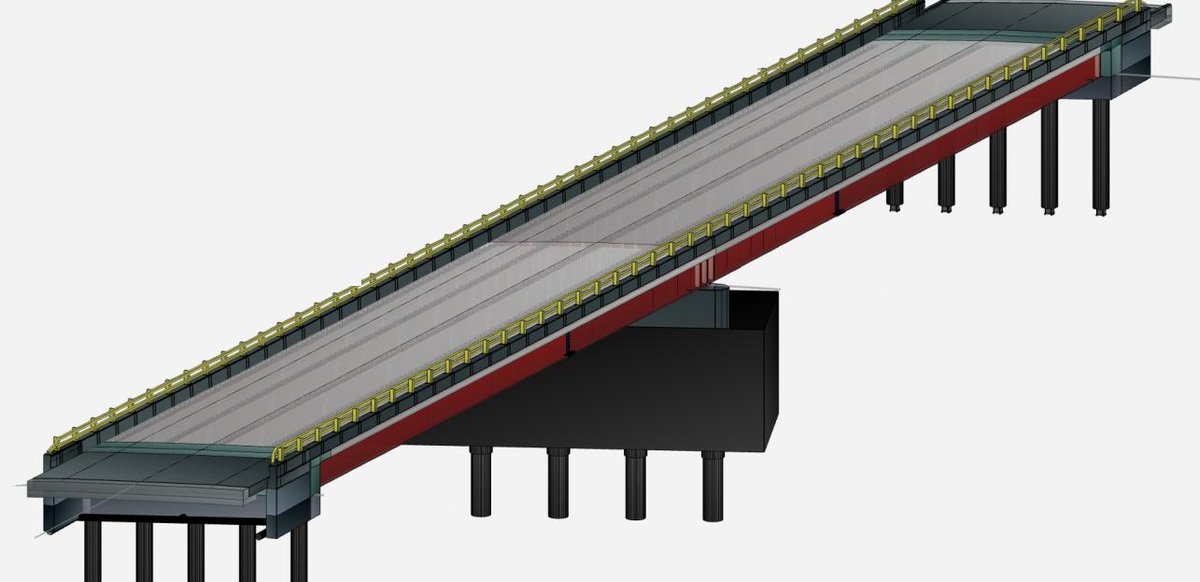
Bring alignment from roadway engineers with LandXML. Build your bridge model parametrically - your 3D model, FEM, and 2D drawings all generate from the same set of bridge parameters.
-
Your Expertise + AI
Use your engineering expertise or leverage AI to configure bridge parameters. Either way, the parametric model updates instantly.
-
Run FEA in Your Browser
Deterministically capture structural behavior. We built an advanced FEA engine from scratch in JavaScript - everything your 20-year-old desktop FEA software does, now running in your browser. No installation, no plugins.
-
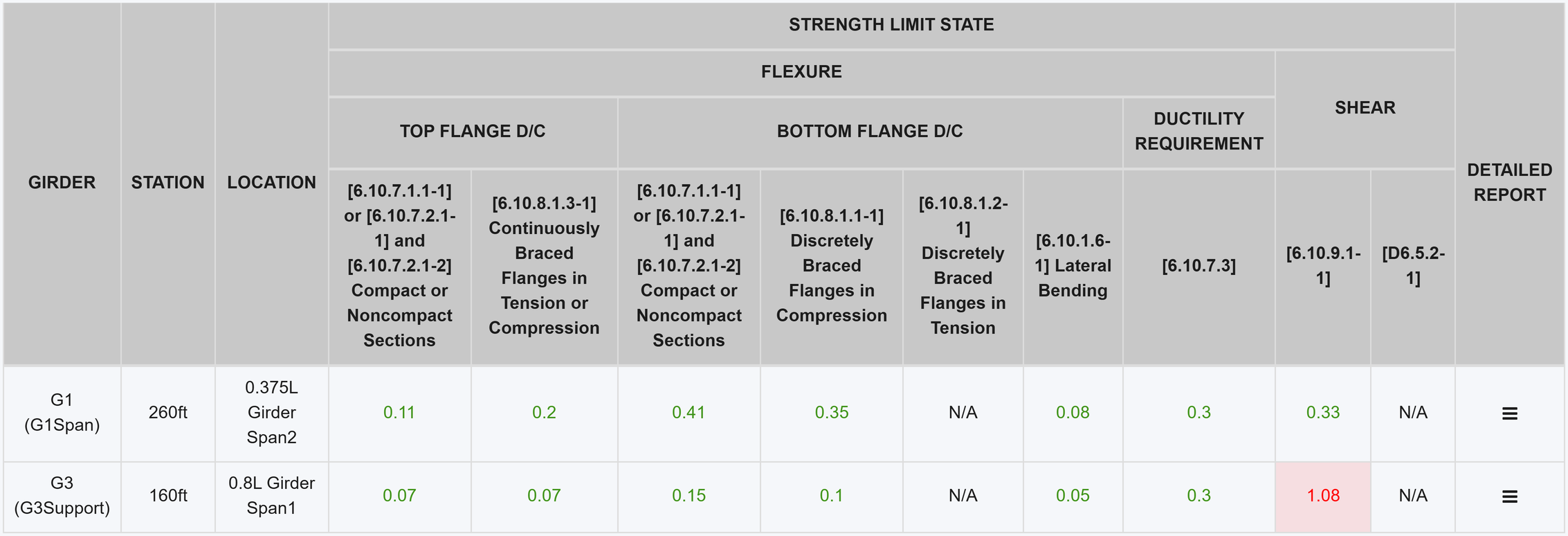
Verify per AASHTO LRFD
Deterministically validate your designs against the latest 10th Edition specifications. Every check is transparent and traceable.
-
Optimize with AI
AI explores thousands of design variations using neural networks and genetic algorithms. Every AI-suggested solution is deterministically verified by the FEA engine and spec checks - no black boxes, just optimized designs you can trust.
-
Export Deliverables
- Calculation Package: Export to PDF
- 3D Model: Export to DGN with pay item attributes attached
- Open Data Standard: Export to IFC - OpenBrIM powered USA's first open standard-based bridge delivery
- 2D Drawings: Generate parametrically and export to DGN using your agency's seed files
Use OpenBrIM from Claude or Codex
Connect the AI app you already use to OpenBrIM. It builds, analyzes and checks your bridge with the same actions you use in the app, and you watch every change in the live 3D model.
Install OpenBrIM Desktop
It runs the OpenBrIM MCP server on your own computer. Sign in with your OpenBrIM account and open a project.
Connect your AI app
Choose Agent → Connect your AI agent. It takes one click for Claude Desktop and Codex, and one command for Claude Code. Any other MCP app can connect too.
Ask in plain language
“Start a steel I-girder bridge from the template, analyze it and report the maximum deflection.” Review each step as it happens.
See OpenBrIM AI Actually Engineer Bridges
Not a chatbot that talks about bridges — an assistant that engineers them. From a single goal, OpenBrIM AI models, analyzes, and self-corrects until the design checks out, with every result grounded in a deterministic FEA and code-check engine.
Beyond Delivery: Parametric Asset Management
Your OpenBrIM model isn't just a deliverable - it's a living asset that evolves with your bridge.
During Construction
Update as-built parameters in real time. Field conditions change - your model stays current. Every modification instantly recalculates FEA results, load ratings, and code compliance.
After Each Inspection
Enter deterioration parameters through a simple spreadsheet interface. OpenBrIM instantly recalculates your bridge's load rating using influence surface-based live load analysis - no re-modeling required.
Permit Routing
Input permit truck configurations and instantly calculate Rating Factors with full code compliance checks. Know exactly which bridges can safely accommodate each load based on current condition.
Portfolio-Wide GIS View
See all your bridge assets in a unified map view with real-time condition data. Monitor exact locations, current ratings, and inspection status across your entire infrastructure network.
Complete Revision History
Track every change to your bridge over time. See how deterioration parameters and rating factors evolve. Full audit trail for compliance and decision-making.
Zero Installation
All of this runs in your web browser. No software to install, no licenses to manage. Access and update your bridge models from anywhere, on any device.
For every way bridges are delivered
The same OpenBrIM software and team, for design-build, progressive design-build and digital delivery.
Parametric Finite Element Analysis In Your Browser
100% cloud-based structural analysis purpose-built for bridge engineering
Analyze Any Bridge, Anywhere
High-performance 3D finite element simulation software that runs entirely in your web browser. Test, validate, and optimize your designs without installing any software.
- Cloud-based
- Cross-platform
- High performance
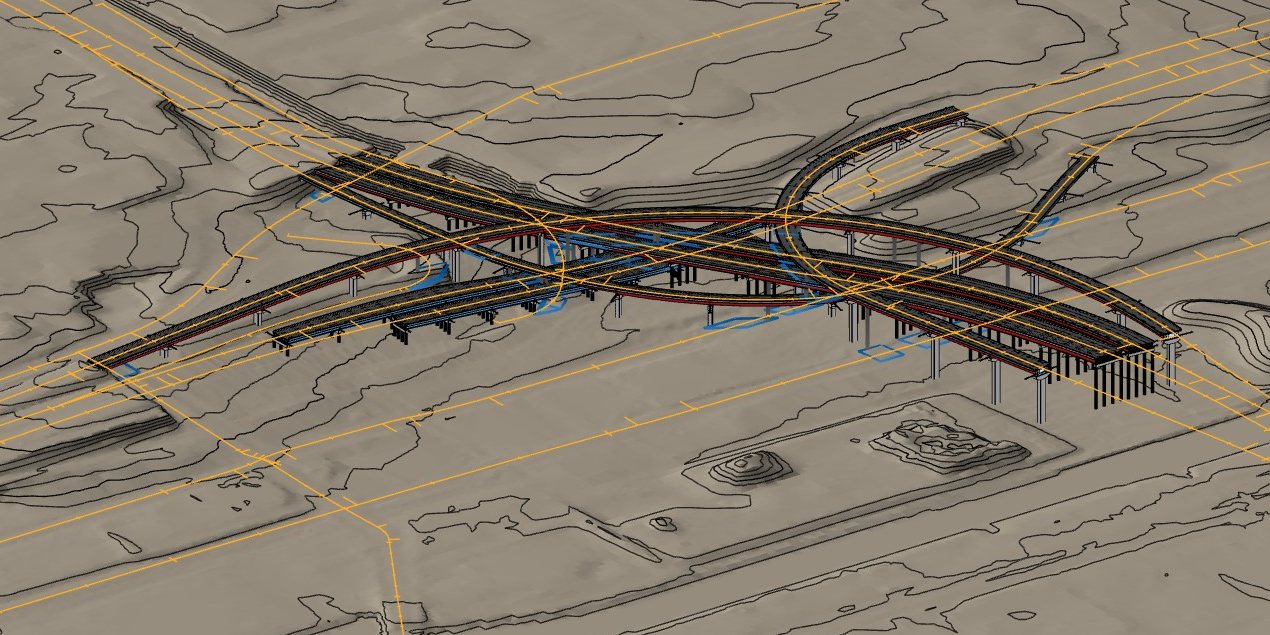
Supports Every Bridge Type & Construction Method

OpenBrIM.FEA Approved By PennDOT
OpenBrIM.FEA has been reviewed and has been accepted for use within the Commonwealth of Pennsylvania on
October 1, 2021 for refined analysis
to determine LFD and LRFD analysis and ratings.
See Approval Letter


Universal Translator for Bridge Engineers
OpenBrIM can read write most file formats commonly used in bridge engineering industry. OpenBrIM Platform is your universal translator for all things engineering.
Supported File Formats
The Next Generation Engineering Software
A comprehensive suite of interconnected tools designed to revolutionize bridge engineering workflows.
OpenBrIM.App
Our flagship app that packs all platform features and modules into one.
OpenBrIM.Incubator
Integrated development environment for content providers.
OpenBrIM.Library
Engineering information repository with an open API.
OpenBrIM.Section
Section analysis and design of arbitrary cross-sections.
OpenBrIM.FEA
High performance, advanced 3D finite element analysis.
OpenBrIM.LoadRating
Powerful, flexible, easy to use load rating and automated routing.
OpenBrIM.Drafter
A collaborative, parametric fully on-cloud 2D drafting and CAD engine.
OpenBrIM.Docs
Contextual document management and sharing.
OpenBrIM.Sign
Secure and privacy aware digital signature service.
OpenBrIM.Sensors
A fully integrated sensor management, alert and storage system.
OpenBrIM.Verify
An extensible real-time verification and testing system.
OpenBrIM.Count
AI-powered vision system for instant material counting at job sites and warehouses.